
Skip to content
Geostream Solutions Logo
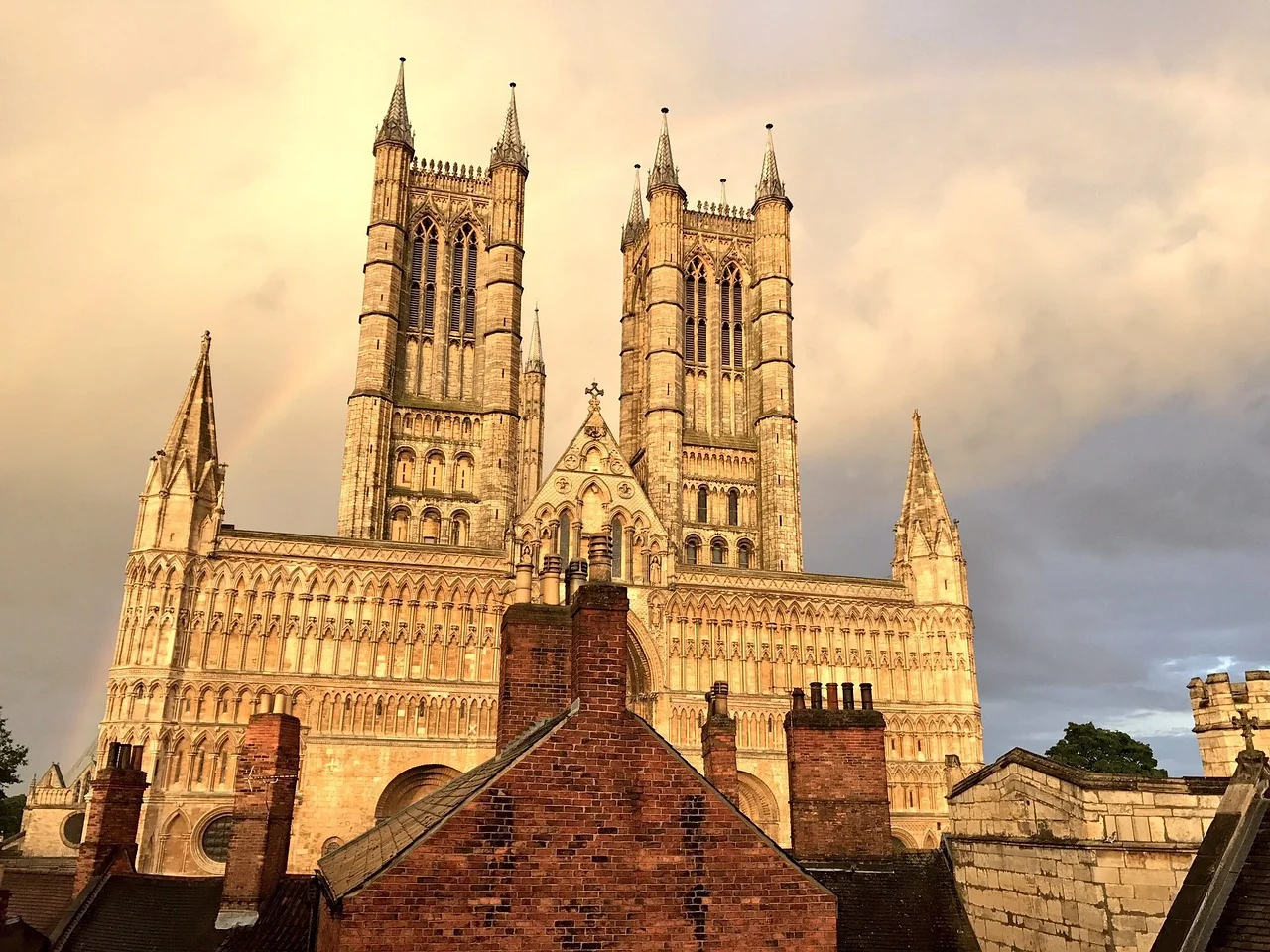
A cathedral west front in evening light
Cathedrals

One IT team forthe whole cathedral

Managed IT for cathedrals: Chapter's papers kept secure, the vergers connected across the building, tills and card payments in the shop and café, the IT around ChurchSuite, Xero and your other systems looked after, and visitor, volunteer and donor data protected. Wi-Fi and cabling go in without drilling into the fabric, from an IT provider that is certified carbon neutral.

Ask Geostream

About IT for cathedrals. Nothing you type is sent.

Does this sound familiar?

Three things we hear from cathedrals, and what changes when the IT is looked after by people who understand the building as well as the systems.

The Wi-Fi stops at the nave door

What normally happens

The office has Wi-Fi, the rest of the building does not. Vergers cannot check the rota away from the vestry, the card readers for donations drop out, and nobody wants to drill a 900-year-old pillar to fix it.

With Geostream

We survey the building first and agree a plan with your Fabric Advisory Committee before anything is fixed. Access points go on existing fixings or freestanding units, cable follows routes that already exist, and a wireless link crosses the building where a cable cannot.
The card machines share the visitor Wi-Fi

What normally happens

The tills and the café card machine sit on the same network as the visitor Wi-Fi, so anyone with the password is a step away from the card payments. When a till freezes on a busy Saturday, nobody knows whether to ring the till company, the broadband provider or the office.

With Geostream

The tills and card machines sit on their own network, apart from staff and visitors. The shop and café ring the same helpdesk as the office, and when the fault is in the till system itself we raise it with the vendor for you.

Chapter's papers live in someone's inbox

What normally happens

Board papers go out as email attachments to personal addresses. ChurchSuite holds the volunteers, safeguarding records and donors, but logins are shared and nobody is sure who still has access.

With Geostream

Chapter's papers sit in one secure place that members open with their own sign-in, from anywhere. Microsoft 365 and the shared drives match who does what now, with MFA for everyone, so a data protection question is answered from a list rather than a guess.

Try it

Walk the cathedral

Tap any part of the building to see who works there, what they use, which network it belongs on and how the kit goes in without harming the fabric. Switch to "The networks" to see how staff, tills, visitors and the building systems are kept apart.

Tap an area of the cathedral.

W - west front · east end - E

What managed IT for a cathedral includes

The office, the shop and café, Chapter and the building itself, looked after by the same people.

  • Microsoft 365 and Chapter's papers kept secure, with MFA for every staff member and trustee
  • The IT around ChurchSuite, Xero, the tills and your other systems: the PCs, the network and the sign-ins, with vendor faults raised for you
  • Separate networks for staff, tills and card payments, visitors and the building systems
  • Wi-Fi across the building, surveyed first and fitted without drilling into the fabric
  • Data protection for visitors, volunteers, donors and safeguarding records, with access kept up to date
  • A helpdesk for the office, the vergers, and the shop and café alike
A woodland path, for an IT provider that is certified carbon neutral

What it costs

Managed IT support is one monthly cost. It includes our cybersecurity as standard (24/7 SOC monitoring, endpoint and email protection, and staff phishing training) as well as the helpdesk and Microsoft 365 management. Wi-Fi surveys and installation work in the building are quoted separately, agreed before anything is fitted.

How we take on a cathedral

Three steps, planned around the services, the visitors and your Fabric Advisory Committee.

  1. Step 1Weeks 1 to 2

    Walk the building

    We walk the cathedral with the Chapter Clerk and the head verger, look at the office, the shop and café and the systems you use, and check who can reach what. You get a short written picture, including what the building would need for Wi-Fi.

  2. Step 2Weeks 3 to 8

    Agree and fix

    We secure Microsoft 365 and the sign-ins first, separate the tills and the visitor Wi-Fi, and agree any work to the building with your Fabric Advisory Committee before it starts. Work in the cathedral is done around services and visitors, never during them.

  3. Step 3Ongoing

    Look after it

    One helpdesk for everyone, from Chapter to the café. Starters, leavers and volunteers are added and removed as they come and go, and we review it all with you every quarter.

Why cathedrals use Geostream

Heritage first

We survey before we fit, work with your Fabric Advisory Committee, and choose fixings and routes that leave the fabric as we found it.

One team for the whole cathedral

The office, Chapter, the vergers, and the shop and café all ring the same helpdesk, and the tills are not somebody else’s problem.

Certified carbon neutral

Geostream is a certified Carbon Neutral Business, which sits well alongside the Church of England’s own net zero commitment.

“A cathedral is a workplace, a shop, a café, an archive and a place of worship, all inside a building that has to outlast every piece of kit we put in it. We plan the IT around the building, not the other way round.”
Christopher Whyke, Technical Director, Geostream SolutionsChristopher WhykeTechnical Director

A typical example

Wi-Fi in the nave, and not a hole drilled

A cathedral with around forty staff and three hundred volunteers had Wi-Fi in the office and nowhere else. The vergers' rota lived on a printout in the vestry, the donation card readers dropped out in the nave, and the shop tills shared a network with the visitor Wi-Fi. We surveyed the building with the head verger and agreed a plan with the Fabric Advisory Committee: access points on existing fixings, cable along routes already used for the lighting, and a wireless link across the crossing. The tills moved onto their own network, sign-ins were tidied to match who did what, and Chapter moved its papers out of email into one secure place.

  • Wi-Fi across the nave, quire and cloister, with nothing drilled into the stone
  • Tills and card payments on their own network, apart from visitors
  • Microsoft 365 and the shared drives matched to who does what, with MFA for everyone
  • Chapter's papers in one secure place instead of personal inboxes
Staff and volunteers working together

Questions cathedrals ask

Usually, yes. We survey first, then use existing fixings, freestanding units and cable routes that are already there, with a wireless link where a cable cannot go. Anything that touches the fabric is agreed with your Fabric Advisory Committee before it starts.

You're here.Let's talk.

Tell us about your business and what's prompted you to look. We'll tell you honestly whether we can help, and how we'd do things differently.

  • You'll speak to a person, not a phone menu
  • Someone technical, not a salesperson
  • What you tell us stays confidential
  • If we're not the right IT company for you, we'll say so

Get in Touch

Ready when you are. Tell us what’s going on and we’ll take it from there.

Call Us
01623 423615

Book a call